THE NEXT GEN GRID
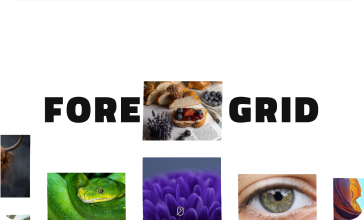
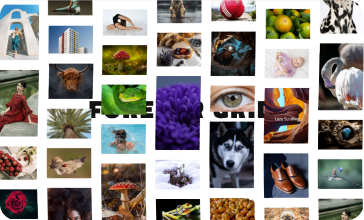
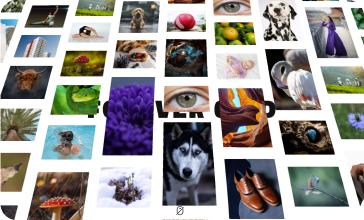
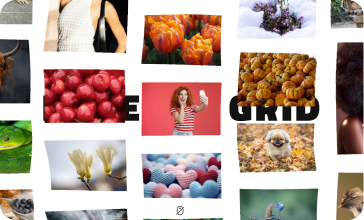
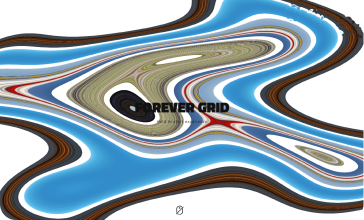
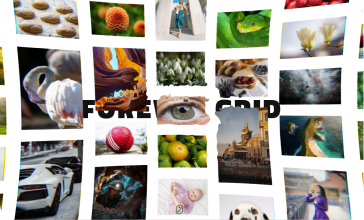
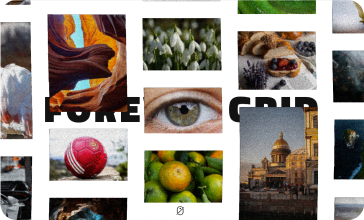
Forever Grid is a one-of-a-kind grid built with GLSL and Three.js with infinite scroll, zoom in and out, harnessing the power of shaders to create a distortion effect that feels natural and organic.
Trusted by
50.000+ CLIENTS
FWDesign has been creating and innovating since 2000 — over 25 years of pushing the boundaries of what's possible in the browser. With more than 50,000 licenses sold, we've established ourselves as one of the leading creative agencies in the industry.
Created by Elite Author
Trusted by thousands. Built with passion. As an Envato Elite Author, we create standout digital products that push boundaries and set trends.
Powered by Three.js
Forever Grid is powered by Three.js, bringing together real-time 3D graphics and custom GLSL shaders to create a fluid, immersive scrolling experience.
Fully Customizable
We’ve thought of everything to make your life easier, from clean structure to flexible options, Forever Grid is built for effortless customization—so you can focus on creativity, not complexity.
Other Features
Responsive Layout
Fully responsive and adaptable regardless of which device is used.
Desktop & Mobile Optimized
Forever Grid will adapt to any screen size and any device, wheater you are using a mobile phone (IOS, Iphone, Android) or on your desktop browser.
Lazy Scrolling/Loading
Option to initialize Forever Grid only when it becomes visible on scroll, preventing initialization if it's in an off-screen section. Forever Grid will load when the user scrolls to the section containing it.
Multiple Display Types
The grid can be displayed using a responsive layout or an "afterparent" mode, which allows it to adapt based on the size of the parent element.
Customizable Size
The grid size (width and height) can be set to any dimensions you need, and the Forever Grid can be added anywhere within your page content.
Preloader
Optional animated preloader.
Parallax
Optional parallax scrolling effect.
Infinite
Infinte or non-infinte grid.
Mouse Wheel or Gesture Zoom
The grid can be configured to zoom in and out using the mouse wheel or touch gestures. You can set the maximum and minimum zoom levels, as well as the initial zoom level when the grid is first displayed.
Item & Media Offset
Enable an optional offset for items or media when dragging the grid—this offset is dynamically adjusted based on the drag speed.
Customizable Item Scale And Gap
The minimum and maximum scale of items, as well as the gap between them, can be set.
Auto Scroll
Enable optional horizontal auto-scroll and vertical auto-scroll, each with customizable speed settings.
Limit Drag Direction
Constrain drag direction to horizontal or vertical.
Item Noise Animation
Optional item noise animation, the items will add a flag like customizable animation, example here.
Scroll Speed Strength
Adjustable drag speed for smooth, responsive grid control with the mouse.
Scroll Scale Strength
Adjustable scroll scale strength to control how items scale during scrolling.
Fluid Post-Processing effect
Intro fluid effect, example here.
Post Processing
Various post-processing effects, mouse ripple, fluid distortion, noise distortion, grid distortion, afterimage, bulge and more.
Lightbox video/audio
Support for various video or audio formats like .mp3, .mp4, Shoutcast, Icecast, Youtube, Vimeo and Vimeo Pro, HLS/.m3u8, DASH MPEG/.mpd live streaming, Google Drive, Dropbox and other cloud platforms, Iframe, PDF, Google Maps in the ligtbox.
Video Autoplay
Support for video autoplay inside the lightbox.
Private Video & Audio
Protected password video and audio inside the lightbox.
Chromecast Support
Play mp4 video, mp3 audio or HLS/m3u8 files on your TV screen using Chromecast, the media can be controlled via the video player interface basically the browser and the video player becomes a remote tv.
Video Thumbnails Live Preview
Video thumbnails preview created from a .vtt file or live auto-generated video thumbnails inside the lightbox.
Video Subtitle Support
Support for subtitle inside the lightbox.
Automatic Content Detection
Revolution Lightbox will set the appropriate type (video, audio, image, etc) based on the media URL to the media items without any extra requirements.
Slideshow Support
Slidshow with autoplay for both the carousel thumbanils and the lightbox.
Drag & Swipe Support
Drag support to navigate between the grid items or lightbox.
Maximize & Minimize For Images
Lightbox maximize/minimize button and maximize/minimize double click/tap feature for images. The maximize zoom factor can be set to a custom value to allow fine tune controll on the maximized image.
Share Button And Share Window
Lightbox share button and share window with nine share social platforms, the share social platforms buttons can be ordered and also removed as needed.
Share Button And Share Window
Lightbox share button and share window with nine share social platforms, the share social platforms buttons can be ordered and also removed as needed.