Shape both filmstrip arcs
Adjust the main arc and upper return independently. Set the strip position and rotation, add twisting that responds to drag speed, or switch to a straight filmstrip.
We couldn't load the gallery.
Drag to explore. Click a frame to step inside.
12 collections to discoverFilmstrip Slider
A curved filmstrip for photos and looping videos. Drag to explore, then open a frame to step inside its collection.
A gallery with a different point of view
Give photography, films and creative portfolios a place to move. The ribbon draws people in. Your collections tell the rest of the story.
Try the filmstripOne seamless gallery
Mix stills and motion in the same collection. Videos play quietly when visible, with no controls getting in the way.
Made to feel like your work
Shape the curve, tune the motion and style the captions. Keep the character of the filmstrip while making it your own.
A three-dimensional film ribbon bends as you drag. Release it and the movement settles with the same easing throughout the experience.
The selected frame moves to the center, the film fades away, and the image opens into a draggable collection. Close it to return to the ribbon.
Move between collections with preview arrows or the vertical filmstrip selector. Photos, portrait images and looping videos all share the same space.
Explore the demos
Explore layouts, effects and live collections. Open a demo in a new tab to try the experience for yourself.
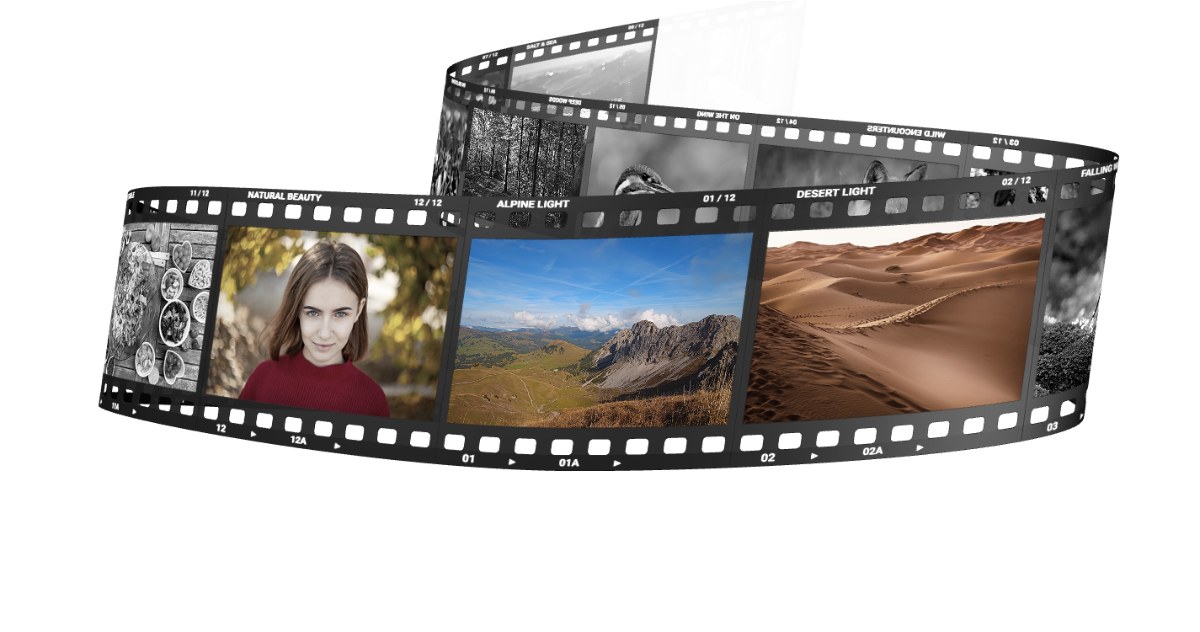 RESPONSIVE
Any SizeOpen demo
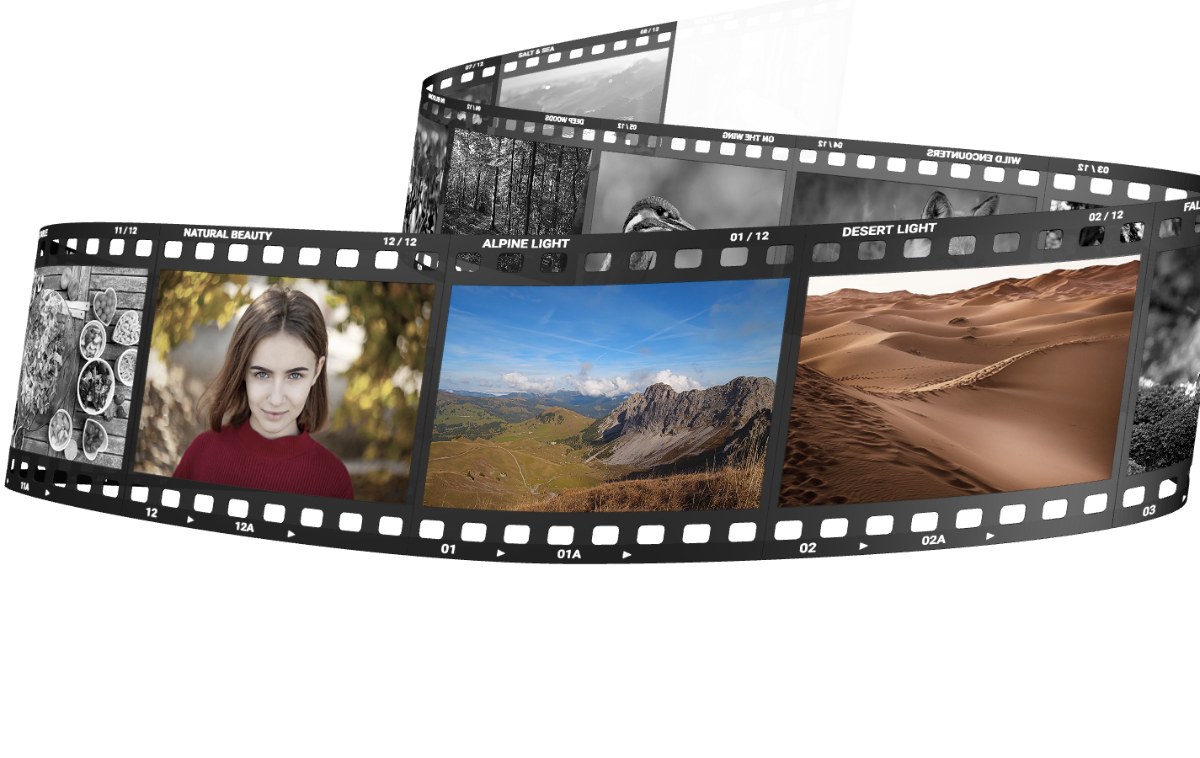 FLOWMAP
Flowmap DistortionOpen demo
 COLOR & WIDE ARCS
Full Color & Wide ArcsOpen demo
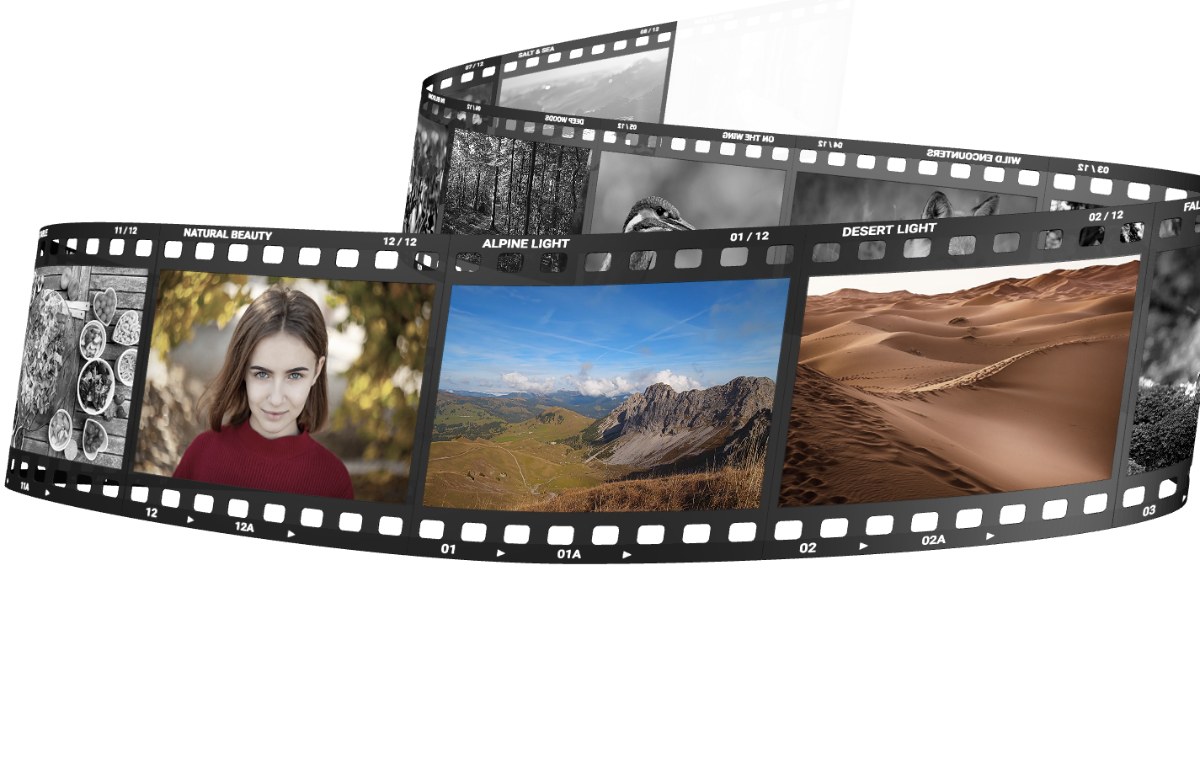 MOUSE WHEEL
Mouse WheelOpen demo
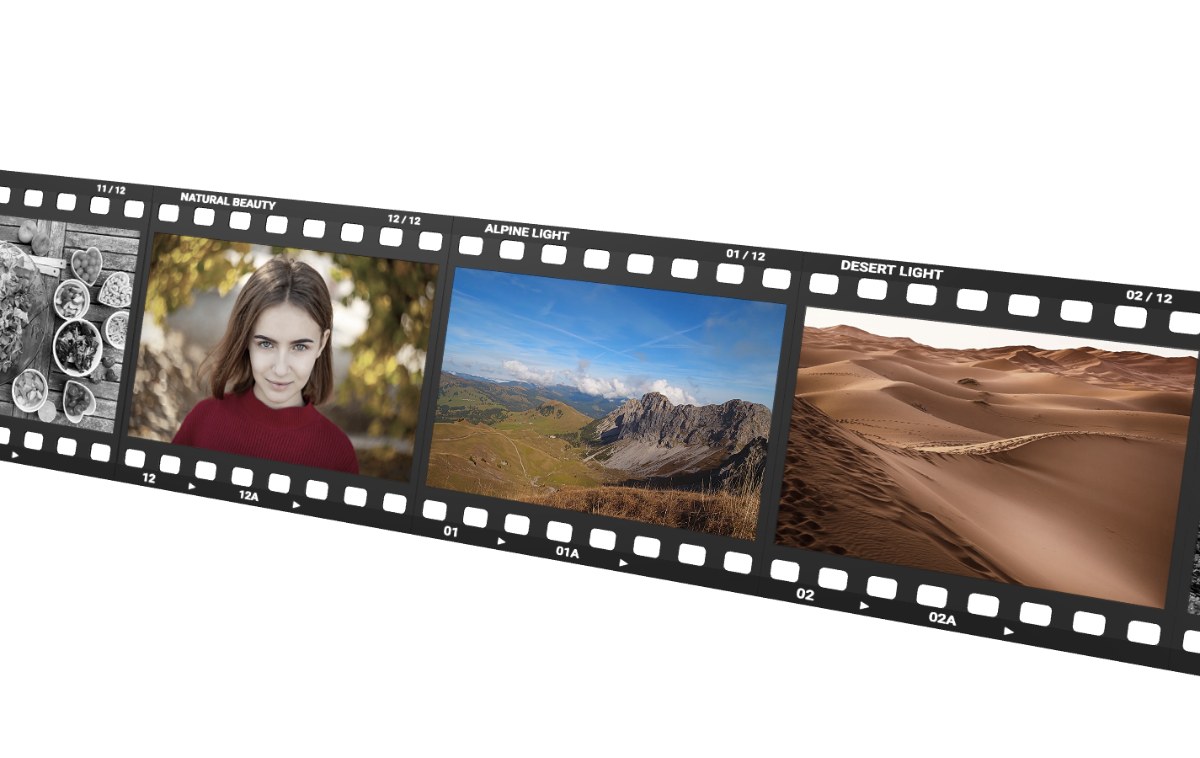 NO CURVES
No CurvesOpen demo
 NOISE
NoiseOpen demo
 WAVES
WavesOpen demo
 GRID DISTORTION
GridOpen demo
 OPEN LINK
Open LinkOpen demo
This is just a starting point. Add your own images, videos and captions to make it yours.
Main features
Adjust the main arc and upper return independently. Set the strip position and rotation, add twisting that responds to drag speed, or switch to a straight filmstrip.
Three.js brings the film model, perforations and hover movement to life. Change the frame proportions and film color, with an individual title and custom code on every frame. Front-arc frames respond to hover and clicks while the rear curve stays decorative.
Mix JPEG, PNG and WebP images with MP4 videos, including video covers. Visible videos play muted and loop, while posters give each clip an image to display before playback.
Combine different image shapes in one collection. Opened photos retain their natural proportions, with adjustable spacing between items and smaller gaps on narrow screens.
Click a frame to center it and expand into a draggable collection. Closing brings the filmstrip back with a smooth return, keeping the nearest collection image as its cover.
Choose a collection from the draggable vertical filmstrip or use category arrows with photo and video previews. Show either control, both together, or neither.
Time-based inertia keeps dragging and release motion consistent across refresh rates. Loop the filmstrip even with a small collection, or use finite scrolling and optional snapping. Opened collections wrap when enough media fits.
Drag with a mouse or swipe on touchscreens. Enable the mouse wheel separately for the filmstrip, collections and selector. Opened collections support arrow keys and Escape, with reduced-motion support for transitions.
Give each frame a collection, an external link or a center-only action. Links can open in the same tab or a new one. Optionally require a frame to be centered before its action runs.
Keep every image in full color, or use black and white away from the center. Hovering a front frame smoothly restores its color, then returns it to its normal appearance when the pointer leaves.
Add optional titles and descriptions to individual collection items. Choose fonts, sizes, weights, alignment, line spacing, colors and background gradients, with separate spacing and type sizes for smaller screens.
Set the colors of the film, lettering, buttons, icons, counters and scrollbars. Customize collection labels, preview typography and selector dimensions to match your page and language.
The film holder fades in at the center of the canvas as covers load inside it. The final cover joins the curve while neighboring frames settle into place. Set the reveal timing, spacing, stagger and optional top fade.
Add pointer-driven flowmap or grid distortion, waves and noise. Control their strength, use image sharpening, or leave the effects off for a clean presentation.
Collection images load asynchronously into placeholders and fade in when ready. Offscreen meshes skip rendering, hidden videos pause, and the video pool releases inactive decoders to limit resource use.
Fill the browser viewport or place the slider inside a page section with a chosen maximum height. Gallery sizing, navigation, captions and spacing adapt to the available width.
Optional deep linking gives collection items their own URL. Open a shared link directly to that item, bookmark it, or return through the browser history.
Define collections in HTML and configure the slider in JavaScript. Use the API to navigate, read state, pause, resume or destroy the gallery, with events for loading, collections, dragging, video playback and selector activity.
From the FWDesign community
"The team support is outstanding. They fixed a problem for me in a very short time. Excellent support, excellent product."
"Wow. I was really surprised how good and simple this plugin performs. Exeeded all my expectations. Well done!"
"Really great plugin and easy to use! I had a question and I immediately got an answer."
Have something in mind?
Give your work a little movement
Alpine Light
Desert Light
Falling Water
Wild Encounters
On the Wing
Deep Woods
In Bloom
Salt & Sea
Built Lines
After Dark
At the Table
Natural Beauty


