Welcome to the future
About Shader Grid
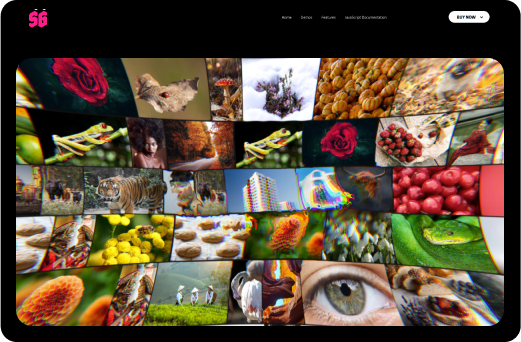
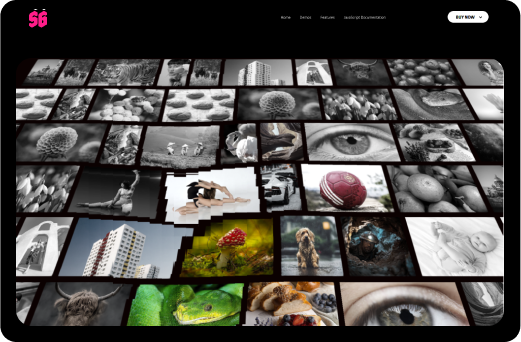
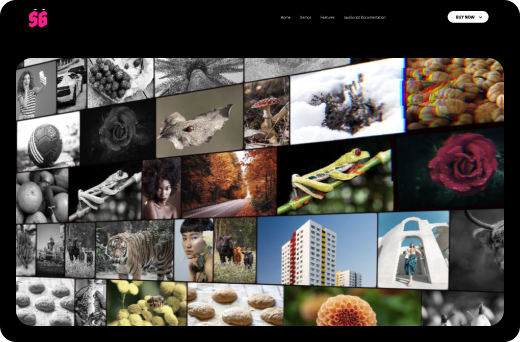
Introducing Shader Grid, a powerful, responsive, and customizable, versatile image infinite grid, seamlessly running on all major browsers and mobile devices, including iPhone, iPad, iOS, Android, MAC, and Windows, elevating your website's audio experience to a whole new level.

Experience a grid like never before
Amazing Features
Harness the limitless Power of Three.js and WebGL Shaders for a visual experience beyond imagination!
Responsive Layout
Fully responsive and adaptable regardless of which device is used.
Fully Customizable
We have developed it so that each minor detail can be customized as you wish.
Powered by Three.js
Experience 3D visuals using Three.js and WebGL Shaders.
Infinite Grid
Unlock the potential of Three.js and WebGL shaders.
Explore the possibilities
Try our demos
These are just some examples that we created. The sphere visualizer and grid are completely customizable! You can tailor the appearance, functionality, and features to suit your preferences and needs.
Powerful features
Other Features
Responsive Layout
Fully responsive and adaptable regardless of which device is used.
Desktop & Mobile Optimized
Shader Grid will adapt to any screen size and any device, wheater you are using a mobile phone (IOS, Iphone, Android) or on your desktop browser.
Lazy Scrolling/Loading
Option to initialize Shader Grid on scroll when the grid is visible in the page, this way for example if the grid is in a section that is not visible it will not be initialized, instead Shader Grid will be initialized only when the user will scroll to the section in which the grid is added.
Infinite Drag
The grid can be dragged infinitely in both horizontal and vertical directions, and the images will wrap around while displaying a GLSL shader animation.
Paralax
Optional vertical paralax.
Customizable Size
The size of the images and the spacing between them can be adjusted as needed.
Caption
Optional caption formatted with CSS.
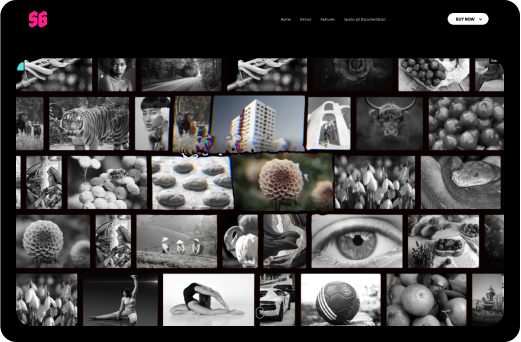
Dynamic Image Black & White
A customizable black and white effect can be applied to the images, starting from the center of the grid and radiating outward. This visual effect can be adjusted to suit your needs.
Hover Scale
Customize the hover effect to dynamically scale images. When an image is hovered over, it smoothly transforms to a predefined custom size for an engaging interactive experience.
Scroll Speed Strength
Customize the grid's drag speed to create an optimal scrolling experience. Adjust the scroll speed strength to control how quickly or slowly the grid responds when dragged.
Wave Post-Processing
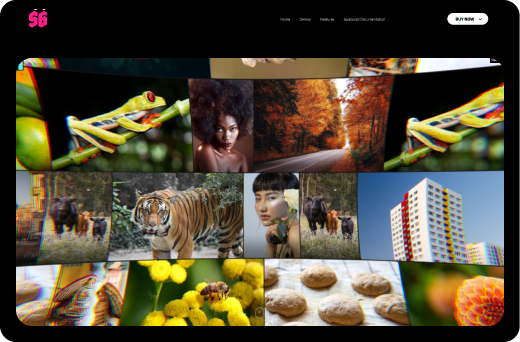
Enhance your visuals with a customizable wave post-processing effect. Adjust the wave frequency, amplitude, and RGB shift strength to create dynamic and fluid animations that suit your design needs.
Glitch Post-Processing
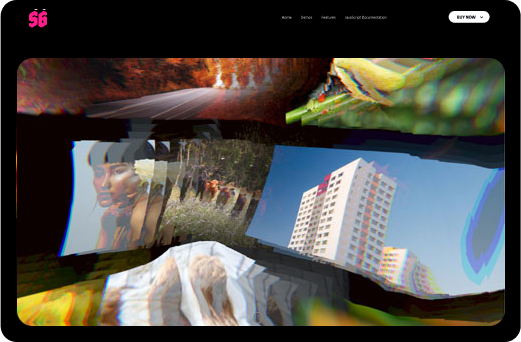
Glitch post-processing.
Bulge Post-Processing
Apply a dynamic bulge effect with customizable RGB distortion. Adjust the bulge RGB strength to create unique visual distortions and enhance your design's impact.
Ripple Post-Processing
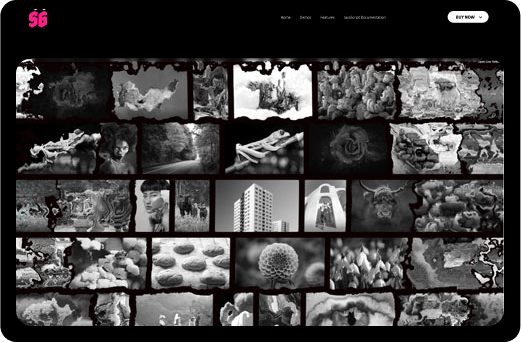
Apply a dynamic ripple effect with customizable distortion strength and size, creating fluid and engaging visual animations.
Customizable Mouse Distortion Post-Porcessing
Optional, highly customizable mouse distortion with an RGB distortion option. Please open the live settings panel to explore and adjust the options.
Lightbox video/audio
Support for various video or audio formats like .mp3, .mp4, Shoutcast, Icecast, Youtube, Vimeo and Vimeo Pro, HLS/.m3u8, DASH MPEG/.mpd live streaming, Google Drive, Dropbox and other cloud platforms, Iframe, PDF, Google Maps in the ligtbox.
Video Autoplay
Support for video autoplay inside the lightbox.
Private Video & Audio
Protected password video and audio inside the lightbox.
Chromecast Support
Play mp4 video, mp3 audio or HLS/m3u8 files on your TV screen using Chromecast, the media can be controlled via the video player interface basically the browser and the video player becomes a remote tv.
Video Thumbnails Live Preview
Video thumbnails preview created from a .vtt file or live auto-generated video thumbnails inside the lightbox.
Video Subtitle Support
Support for subtitle inside the lightbox.
Automatic Content Detection
Revolution Lightbox will set the appropriate type (video, audio, image, etc) based on the media URL to the media items without any extra requirements.
Slideshow Support
Slidshow with autoplay for both the carousel thumbanils and the lightbox.
Drag & Swipe Support
Drag support to navigate between the grid items or lightbox.
Maximize & Minimize For Images
Lightbox maximize/minimize button and maximize/minimize double click/tap feature for images. The maximize zoom factor can be set to a custom value to allow fine tune controll on the maximized image.
Share Button And Share Window
Lightbox share button and share window with nine share social platforms, the share social platforms buttons can be ordered and also removed as needed.
Detailed Documentation
Detialed Documentation for both WordPress and JavaScript versions.

Better to see what people are actually saying
Our Happy Clients Say
“The team support is outstanding. They fixed a problem for me in a very short time. Excellent support, excellent product.”
Principiate - Client from ENVATO
“Wow. I was really surprised how good and simple this plugin performs. Exeeded all my expectations. Well done!”
Saniaja - Client from ENVATO
“Really great plugin and easy to use! I had a question and I immediately got an answer. The plugin and author deserves more than 5 stars!!!.”
Nicnac1234 - Client from ENVATO

Powerful and extremely customizable responsive infinite image grid, it runs on all major browsers and mobile devices like iPhone, iPad, IOS, Android, Windows mobile or desktop.