Connected cutoff panels
Angled panels share their edges as you explore. Adjust the cutoff strength separately for the accordion, opened categories and selector, or remove the cuts entirely.
We couldn't load the gallery.
Drag to explore. Click a frame to step inside.
12 collections to discoverCutoff Photo & Video Slider
Cut edges. Moving images. A whole collection inside every frame.
A gallery with a different point of view
Give photography, films and creative portfolios a place to move. The accordion draws people in. Your collections tell the rest of the story.
Try the accordionOne seamless gallery
Mix stills and motion in the same collection. Videos play quietly when visible, with no controls getting in the way.
Made to feel like your work
Shape the cutoffs, tune the motion and style the captions. Keep the character of the accordion while making it your own.
Angled panels shift with your pointer and reveal more of each image as you drag. Release to let the movement settle naturally.
The selected image expands from its panel while neighboring corners fold away. Explore the collection, then close it to bring the accordion back.
Move between collections with preview arrows or the vertical accordion selector. Photos, portrait images and looping videos all share the same space.
Explore the demos
Explore layouts, effects and live collections. Open a demo in a new tab to try the experience for yourself.
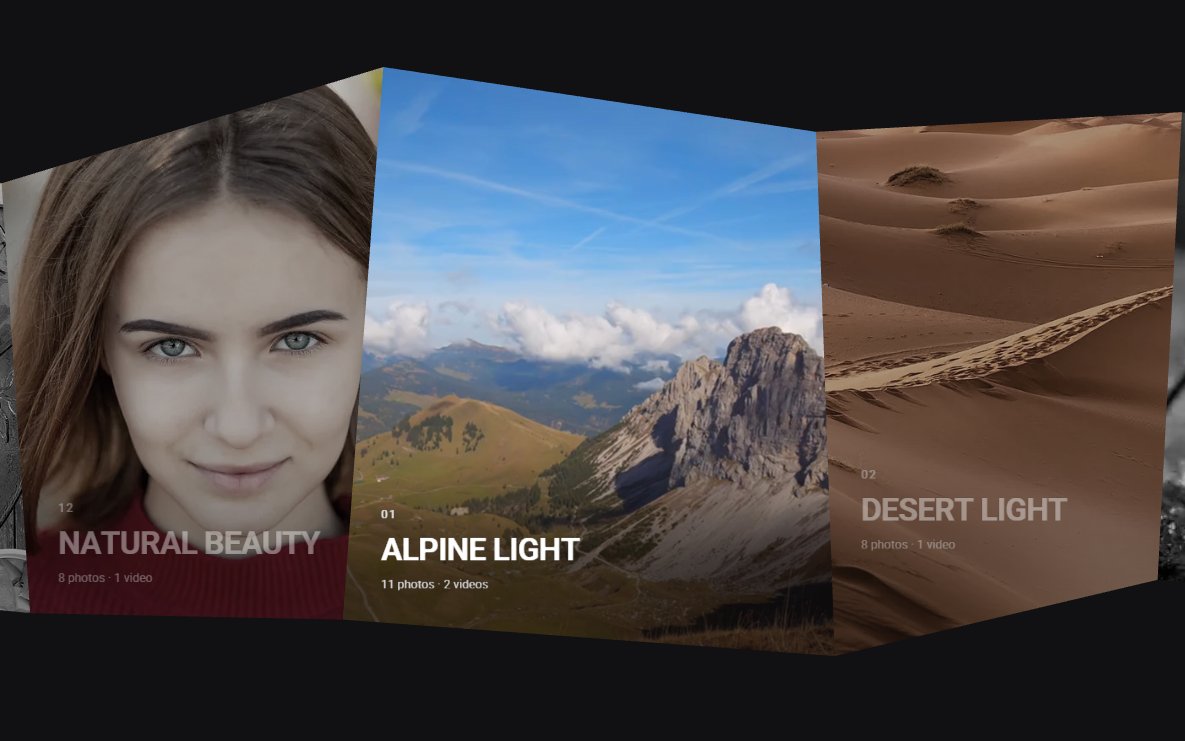 RESPONSIVE
Any SizeOpen demo
 NO CAPTIONS
No DescriptionOpen demo
 FULL SCREEN
Full ScreenOpen demo
 MOUSE WHEEL
Mouse WheelOpen demo
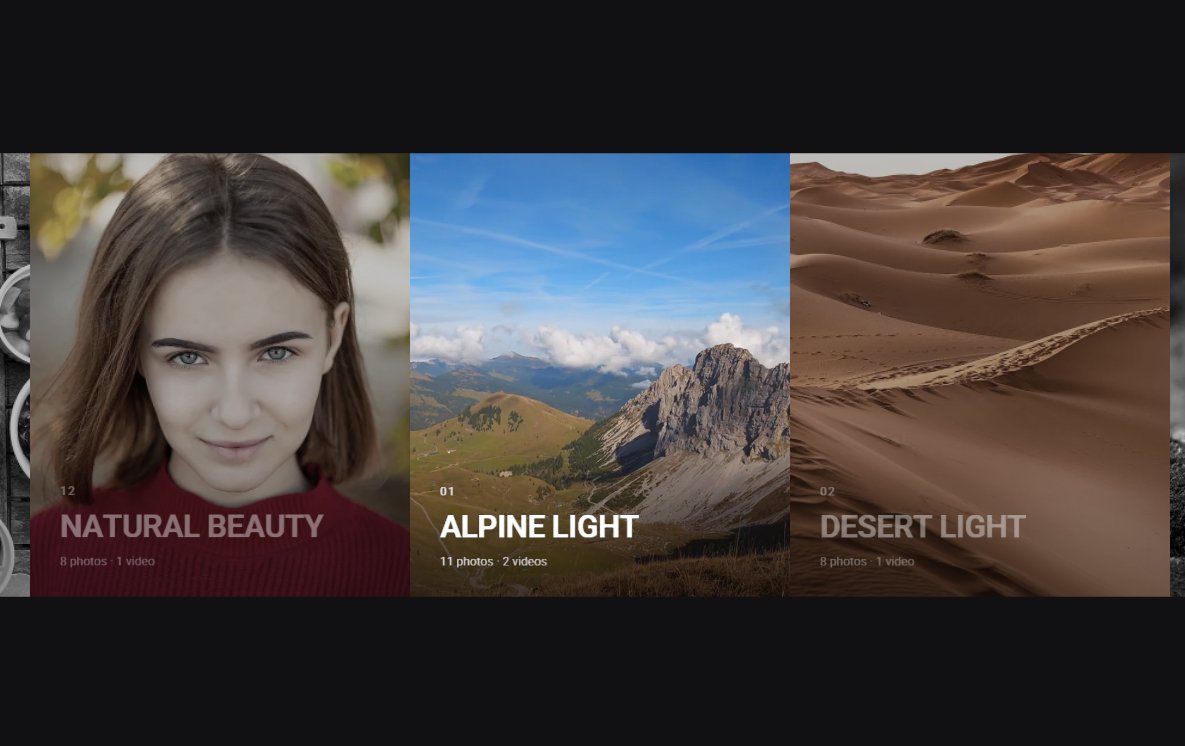 NO CUTS
No CutsOpen demo
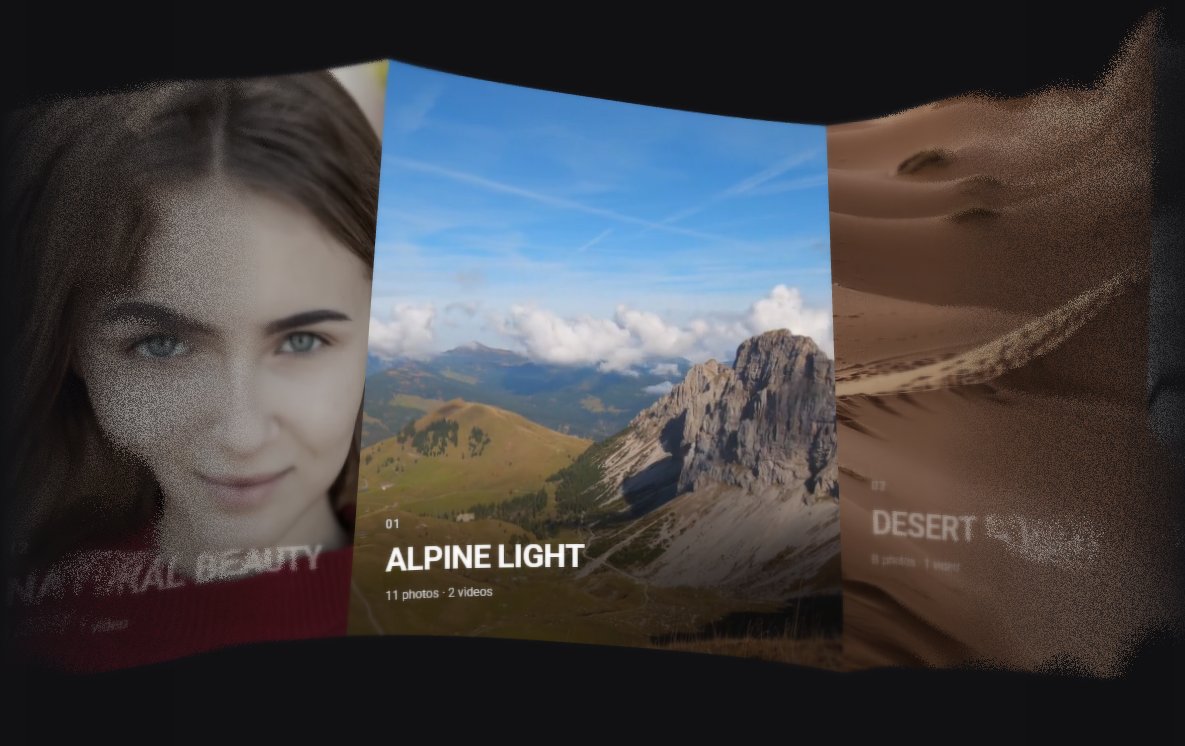 NOISE
NoiseOpen demo
 FLOWMAP
FlowmapOpen demo
 GRID DISTORTION
GridOpen demo
 OPEN LINK
Open LinkOpen demo
This is just a starting point. Add your own images, videos and captions to make it yours.
The details make the difference
Angled panels share their edges as you explore. Adjust the cutoff strength separately for the accordion, opened categories and selector, or remove the cuts entirely.
Give the accordion, categories and selector their own bend strength. Tune pointer movement and image parallax to make the motion subtle or more expressive.
Reveal panels with staggered corner movements. Images expand into collections and fold back into the accordion, with adjustable intro and transition timing.
Use JPG, PNG and WebP images alongside MP4 videos, including video covers. Videos play muted and loop while visible, with posters shown before playback.
Mix image proportions in one collection. Opened media keeps its natural aspect ratio, with a shared row height where the available space permits.
Fit the gallery into a page section or pin accordion panels to the canvas edges. Adjust panel dimensions and gallery height for your layout.
Set separate gaps for the accordion and opened categories. Narrow galleries reduce the spacing automatically, keeping panels comfortable to browse on smaller screens.
Drag with a mouse or swipe on a touchscreen. Enable mouse-wheel navigation independently for the accordion, opened categories and collection selector.
Movement uses elapsed time for consistent easing across refresh rates. Adjust navigation speed and enable accordion snapping to settle on the nearest item.
Enable continuous browsing when enough items fill the visible area. Smaller collections automatically use bounded navigation, and looping can also be disabled.
Open a collection, follow a link in the same or a new tab, or simply center an item. Optionally require centering before its action runs.
Choose preview arrows, a draggable vertical accordion selector, both, or neither. Switch collections directly from the opened gallery without returning to the accordion.
Use previous and next buttons, drag, or click an off-center image to bring it into view. The counter follows the current image as you browse.
Add optional descriptions, collection numbers and photo/video counts. Show captions on all panels with dimmed inactive text, show them on selection, or hide them.
Give each photo or video its own optional title and description. Control fonts, sizes, colors, spacing, gradients and reveal motion, or disable category captions independently.
Style backgrounds, overlays, captions, navigation buttons and the selector. Customize interface labels and counts, with separate typography and spacing settings for smaller screens.
Keep media in full color or enable the black-and-white effect with color on hover. The effect also applies inside opened categories.
Add flowing pointer trails or a reactive grid effect across the gallery. Tune their strength, and control how quickly the grid distortion settles after movement.
Enable optional noise or wave effects, adjust image sharpening and configure antialiasing. Use the same post-processing for the accordion and opened collections.
Preview cover images in sequence while they load. The final preview expands into the center panel as the surrounding accordion reveals, with configurable loading and fade timing.
Category images load asynchronously into placeholders and fade in when ready. Offscreen videos pause, inactive video resources are released, and rendering pauses outside the viewport.
Optional deep linking opens a specific collection and item from its URL. Share or bookmark a view, with readable category and item names in the address.
Navigate opened images with arrow keys and close with Escape. The collection selector supports keyboard navigation, and animations respond to reduced-motion preferences.
Define collections in HTML and configure them with JavaScript. Read gallery state, navigate, pause, resume or destroy it, and listen for loading, media, drag and category events.
From the FWDesign community
"The team support is outstanding. They fixed a problem for me in a very short time. Excellent support, excellent product."
"Wow. I was really surprised how good and simple this plugin performs. Exeeded all my expectations. Well done!"
"Really great plugin and easy to use! I had a question and I immediately got an answer."
Have something in mind?
Give your work a little movement


