Shaped design areas
Clip customer artwork to the exact case shape while keeping camera and device areas protected.
Create artwork on the flat canvas and preview it on the 3D case. Add text, upload images, adjust colors and materials, and rotate the model to check the finish.
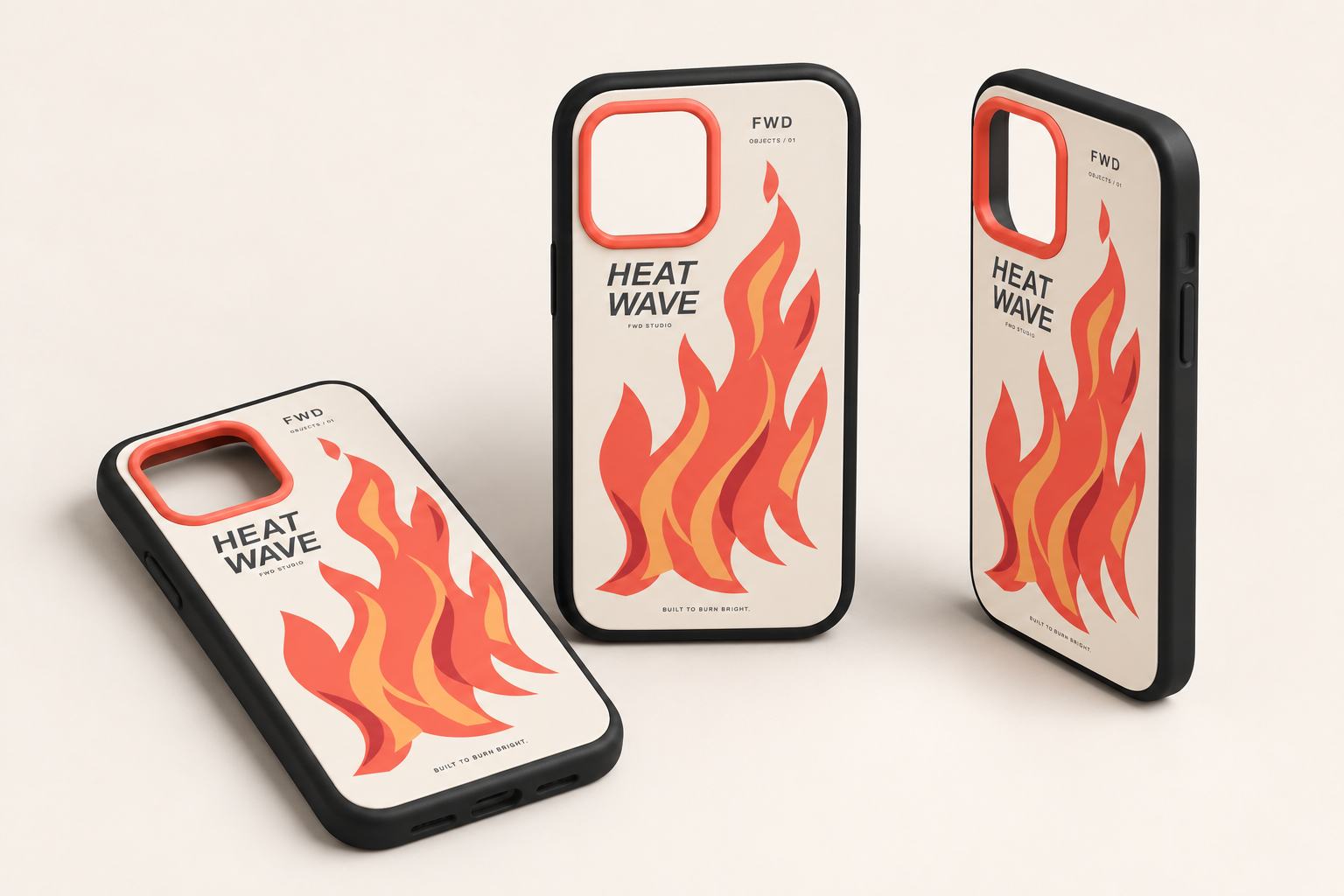
Edit the back design in 2D or directly on the 3D model. Inspect the case from every angle and keep structural parts separate from the artwork exported for printing.
The editor gives customers a visual design experience while keeping product owners in control of shaped design areas, available content, pricing and export rules.
Clip customer artwork to the exact case shape while keeping camera and device areas protected.
Offer text, uploaded photos, vector shapes and curated artwork for personalized case designs.
Preview your artwork on the actual case geometry, including the frame and camera opening, with editable colors and materials.
Generate preview and production files using the configured physical print size, DPI and bleed.
Use the same configured product for editing, saving designs, generating 3D previews and exporting printable 2D artwork.
Bind the case's editable surface to its mesh, configure the camera and print area, and set permissions for the frame and artwork.
Customers work visually using desktop or mobile controls while the designer calculates configured surcharges.
Review the saved design and generate preview or print-production files using the configured size, DPI and bleed.
Start with the included Phone product and replace its assets, print area, controls and content libraries for your workflow.